Customer experience
Allergens in your QR menu: clear information for customers
Organise each dish’s reviewed information and make it easy to consult on a phone, with a routine connecting kitchen, front of house and TAVLO.
Reviewed on 12 Oct 2026
Information beside the dish the customer is viewing
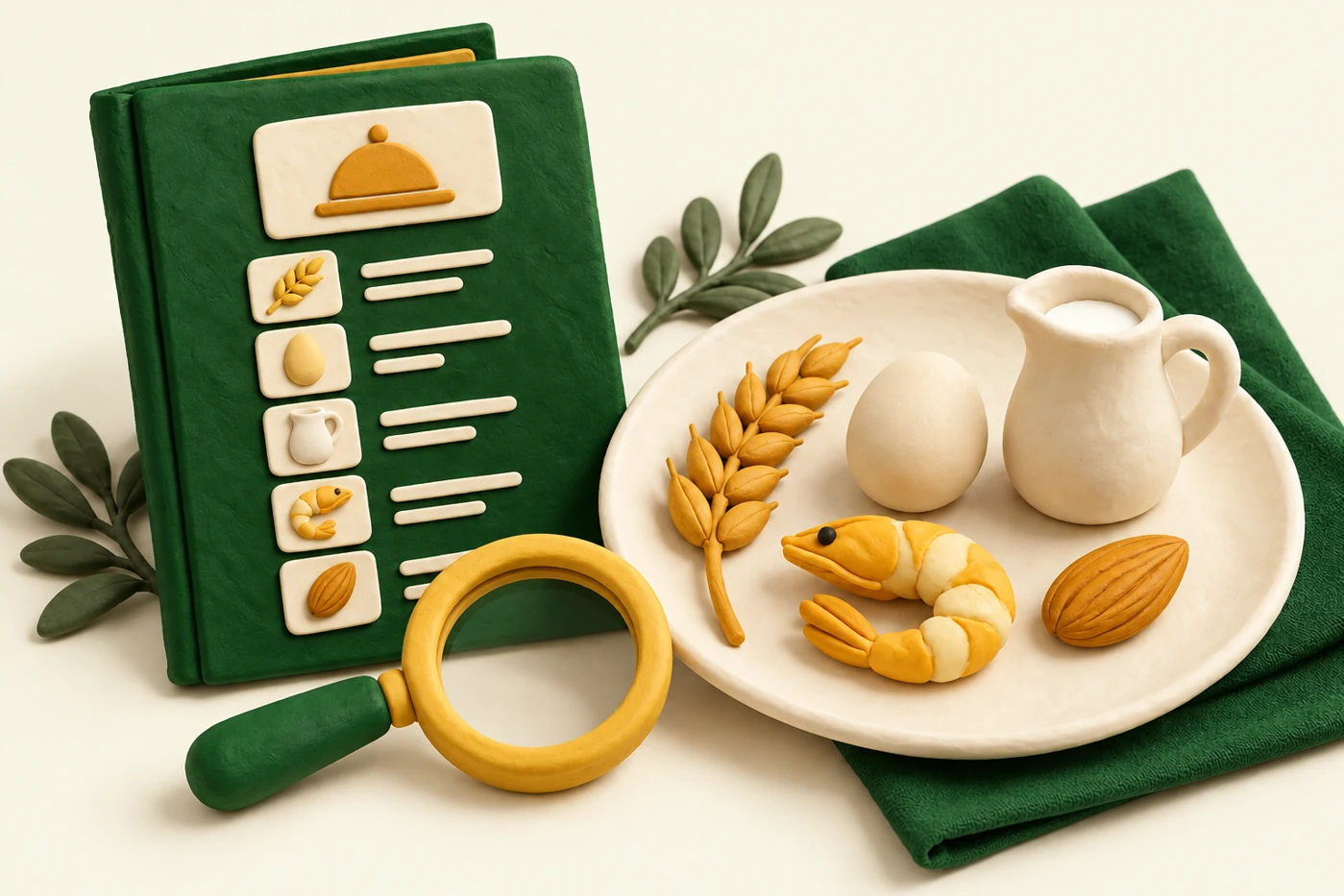
A QR menu can present each product’s details alongside its name, description and price. For someone checking ingredients, this organisation helps them find the information and ask your team a specific question.
In TAVLO you can mark allergens for each product and keep them up to date. The benefit is communicating information the kitchen has confirmed. The tool does not independently know your recipes or the conditions in which a dish is prepared and served.
What information must be available
In Spain, non-prepacked foods must provide information about substances causing allergies or intolerances that require declaration. Royal Decree 126/2015 allows different ways to communicate this; it does not require a separate printed menu as the only option.
When information is provided orally, an accessible written or electronic record must exist and the consumer-information conditions in Article 6 must be met. A QR menu can support consultation; having one does not by itself demonstrate compliance.
Review the groups requiring declaration
Annex II of Regulation (EU) 1169/2011 lists 14 groups, their derivatives and exceptions. These include cereals containing gluten, crustaceans, eggs, fish, peanuts, soybeans, milk, nuts, celery, mustard, sesame, sulphur dioxide and sulphites, lupin and molluscs.
For sulphur dioxide and sulphites, the annex specifies concentrations above 10 mg/kg or 10 mg/l, expressed as total SO₂. Consult the text for details and exceptions; an abbreviated list is not a substitute for checking actual ingredients.
Prepare a worksheet for each recipe
Break each dish into components: main ingredient, sauce, accompaniment, dressing and products used in preparation. Gather current labels and documentation and record which recipe your team has reviewed.
For example, check a croquette’s filling, base and coating separately. Do not copy information from another preparation simply because its name is similar. The worksheet should help kitchen and front-of-house staff identify confirmed information and where to find its documentation.
Use clear names and check the public view
Symbols help people recognise information, but customers must understand what they refer to. Check that the product view identifies the indicated allergens and front-of-house staff know how to help customers interpret them.
Mark confirmed data in TAVLO and open the menu on a phone. Choose a dish with several components and compare the result with its worksheet. Dietary labels and allergen information serve different purposes: a vegetarian label does not answer every ingredient question.
Update the menu when the kitchen changes
An ingredient substitution or supplier change requires checking documentation again. Keeping a dish’s name does not mean its composition remains the same. Update its worksheet, tell front-of-house staff and then review the product in TAVLO.
The same QR opens the menu after an update without printing a new code for every correction. Do not describe a dish as safe for someone with an allergy based only on icons: your team must address questions about ingredients and preparation.
A simple routine for a shared reference
Assign someone responsible and keep worksheets where the team can find them. When there is a question, front-of-house staff should know whom to ask. Customers and staff should use information corresponding to the same recipe.
TAVLO makes publication and editing by product easier, without fees for the venue. Use it to communicate reviewed information while keeping another way to consult the menu for anyone unable to access the QR. The tool complements your team’s coordination.
- Current recipes and documentation.
- Someone responsible for validating each change.
- Information checked in the public menu.
- Staff available to answer questions.
Frequently asked questions
Does TAVLO automatically confirm allergens?
No. The venue must confirm the data using its recipes and documentation. TAVLO lets you publish and maintain it by product.
Must I change the QR when correcting an allergen?
No. You can edit the product while keeping TAVLO’s QR and then check the public menu.
Does a QR menu guarantee regulatory compliance?
No. It helps communicate information; the venue must meet applicable requirements and keep the data correct.