How it works
Your menu, ready.
Your venue, at your pace.
A free QR digital menu that is easy to update from your phone.
No fees · No card · No commitment
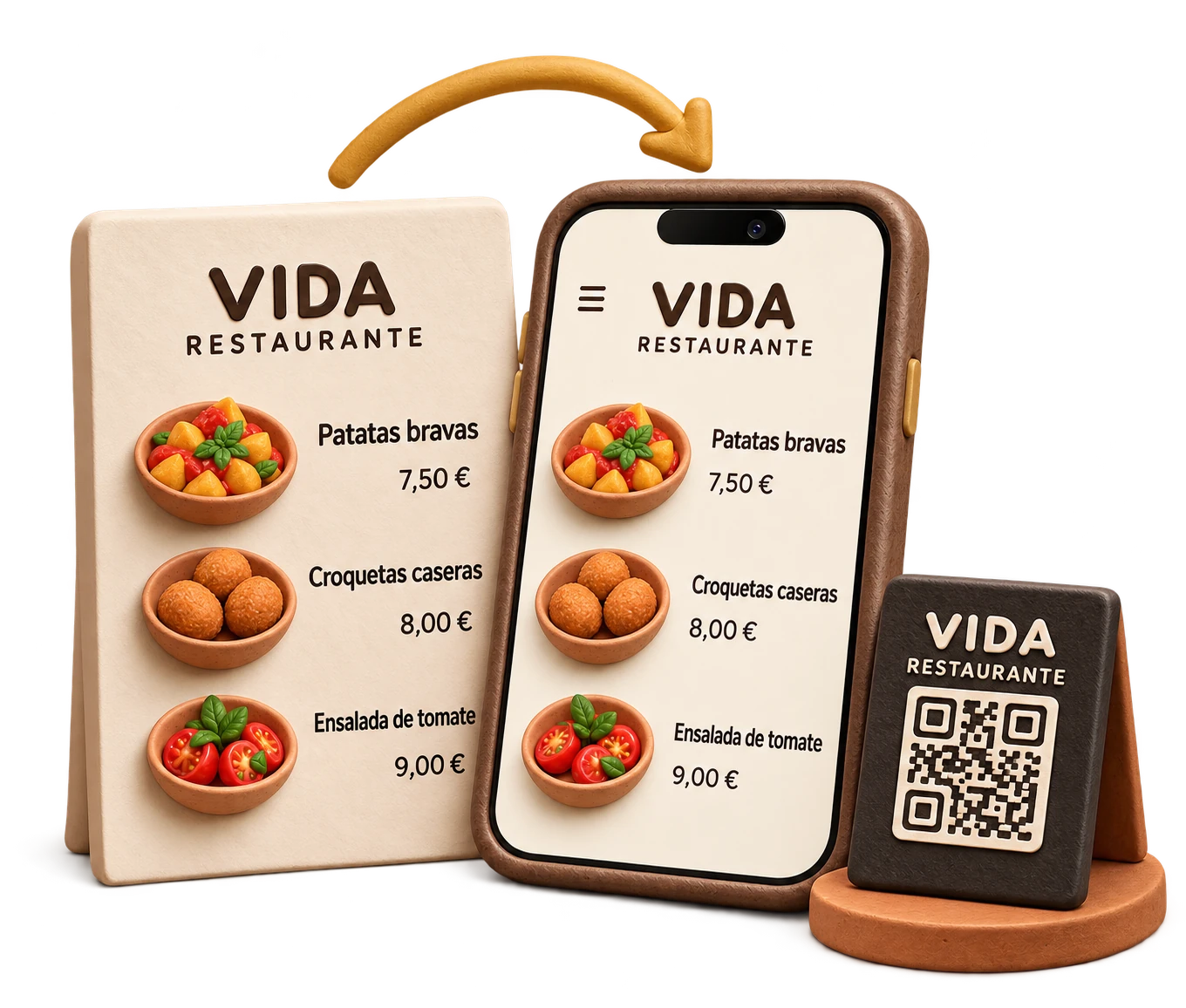
From your paper menu to the QR on your tables.
Step 1 · Upload your menu
Your paper menu.
TAVLO makes it digital.
Create your account and upload a photo or PDF. AI recognises dishes, prices and categories and prepares your organised menu.
Confirm your account by email.
Our team can help if you prefer.

Step 2 · Review and customise
A few adjustments.
And it is yours.
Check dishes, prices, allergens and dietary options. Adjust what you need and add your venue’s logo, colours and style.
AI also helps you with descriptions and translations.
You review and decide.
Step 3 · Publish and share
Put the QR on your tables.
Your menu is now within reach.
Publish your menu and share the QR. Your customers open it on their phones without downloading an app.
When you change dishes or prices, the QR stays the same.
See an example menu

What you will use most.
The essentials for a menu that keeps up with your business.
| Feature | What it offers |
|---|---|
| Instant updates | Change dishes, prices and availability from your phone. |
| The same QR | Edit your menu without reprinting the QR. |
| Your brand | Your own logo, colours and style. |
| 10 languages | Translate your menu and let each customer choose their language. |
| Clear information | Photos, allergens and dietary options. |
| Help getting started | Our team helps you with your menu. |
Why is it free?
TAVLO is funded by brand offers appearing in the Para ti section of your menu.
Depending on the campaign, your venue may also receive a commission.