Venue management
Benefits of a QR menu for your restaurant’s daily operation
A clear, editable menu that is easy to consult: how a QR menu helps with changes during service and how TAVLO handles them.
Reviewed on 12 Oct 2026
Simple access to your venue’s information
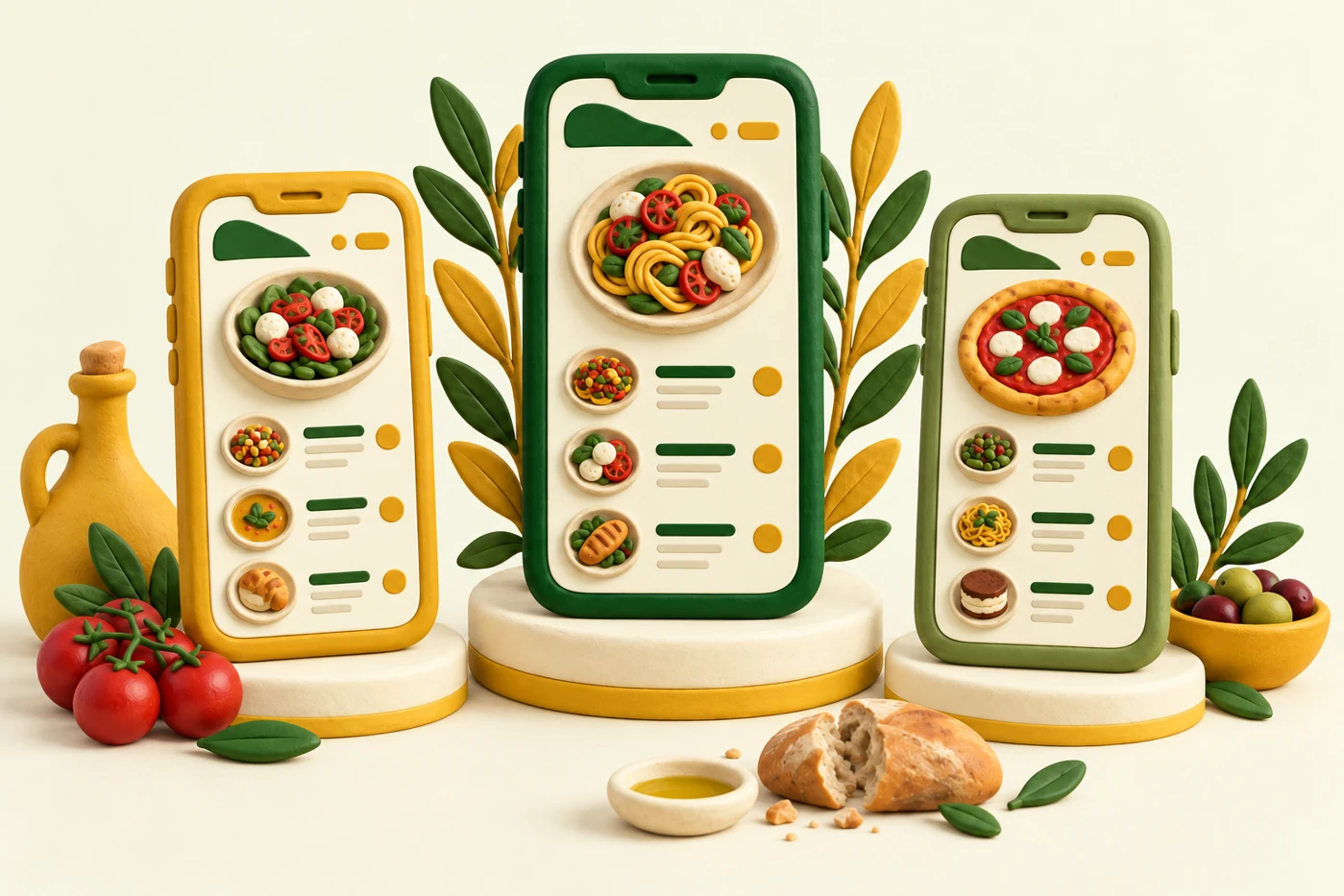
A QR can link to your menu’s web address. Customers scan it with a compatible phone, open the link and view the menu in their browser. They do not need to install an app to view TAVLO’s public menu.
Place the holder somewhere visible with a brief instruction such as ‘Scan to see the menu’. Access should help customers choose without a long explanation. Keep front-of-house service and an alternative way to consult the menu for anyone unable to use a phone.
Publish the changes each service needs
A seasonal special, revised price or sold-out dish is a routine change. An editable menu lets you update those details without preparing the entire menu again. In TAVLO you can maintain products from the dashboard and keep the same QR.
Imagine the dessert of the day sells out. The person responsible updates its availability and checks the public menu. This helps visible information keep pace with the kitchen, although you must still notify front-of-house staff and update the status when the product returns.
Help customers understand dishes and portion options
A clear name, useful description and price for each portion make the menu easier to consult. Explain what distinguishes a dish: main ingredients, preparation or whether it is for sharing. Avoid generic phrases that do not help customers decide.
TAVLO lets you organise your offering into categories and maintain price variants within one product. If you offer tapas and full portions, show both options and their prices. Customers can then understand quantity and price without interpreting the menu’s structure.
Bring reviewed information together in each product
A QR menu can show allergen information the venue has confirmed. Keeping it beside the dish makes it easier to find and gives front-of-house staff a common reference when helping customers.
In TAVLO you can mark and update allergens for each product. This communicates reviewed data; it does not independently verify recipes or preparation conditions. The kitchen must check ingredients, supplier documentation and changes before publishing information.
Present your restaurant’s identity
A digital menu is also a visible part of your venue. Use your logo, legible colours and photos representing the actual dishes. An image should explain the product and keep its presentation recognisable.
TAVLO lets you personalise the menu with your venue’s identity. Check it on a phone under normal dining-room lighting: names, prices and descriptions should remain easy to read. Visual consistency helps customers recognise the venue; clarity helps them use the menu.
Check the benefits in your own operation
Try a specific task: find a drink, locate a full-portion price and update a dish’s availability. Observe where questions arise and correct the structure before putting out all the holders.
You do not need to promise more sales or fixed savings to assess a QR menu. Check whether changes are easier to make and your team maintains a clear reference for customers. TAVLO offers that editing without fees and initial help preparing your menu.
- The QR opens the correct venue’s menu.
- Categories and portion options are clear on a phone.
- Prices and availability reflect the current service.
- Front-of-house staff know where to find reviewed information.
Frequently asked questions
What changes when you update a QR menu?
The published content changes. In TAVLO you can edit products while keeping the same QR.
Does a QR menu replace service from your team?
No. It makes the menu easier to consult and supports front-of-house service. Offer help and another way to consult the menu when needed.
Do I need a photo of every dish?
No. Start with complete, clear information; add your own photos when they help explain the product.