Venue management
A QR menu with no fees: simplify changes in your restaurant
Keep dishes and prices up to date, reduce reprinting when things change and get your free menu started with TAVLO.
Reviewed on 12 Oct 2026
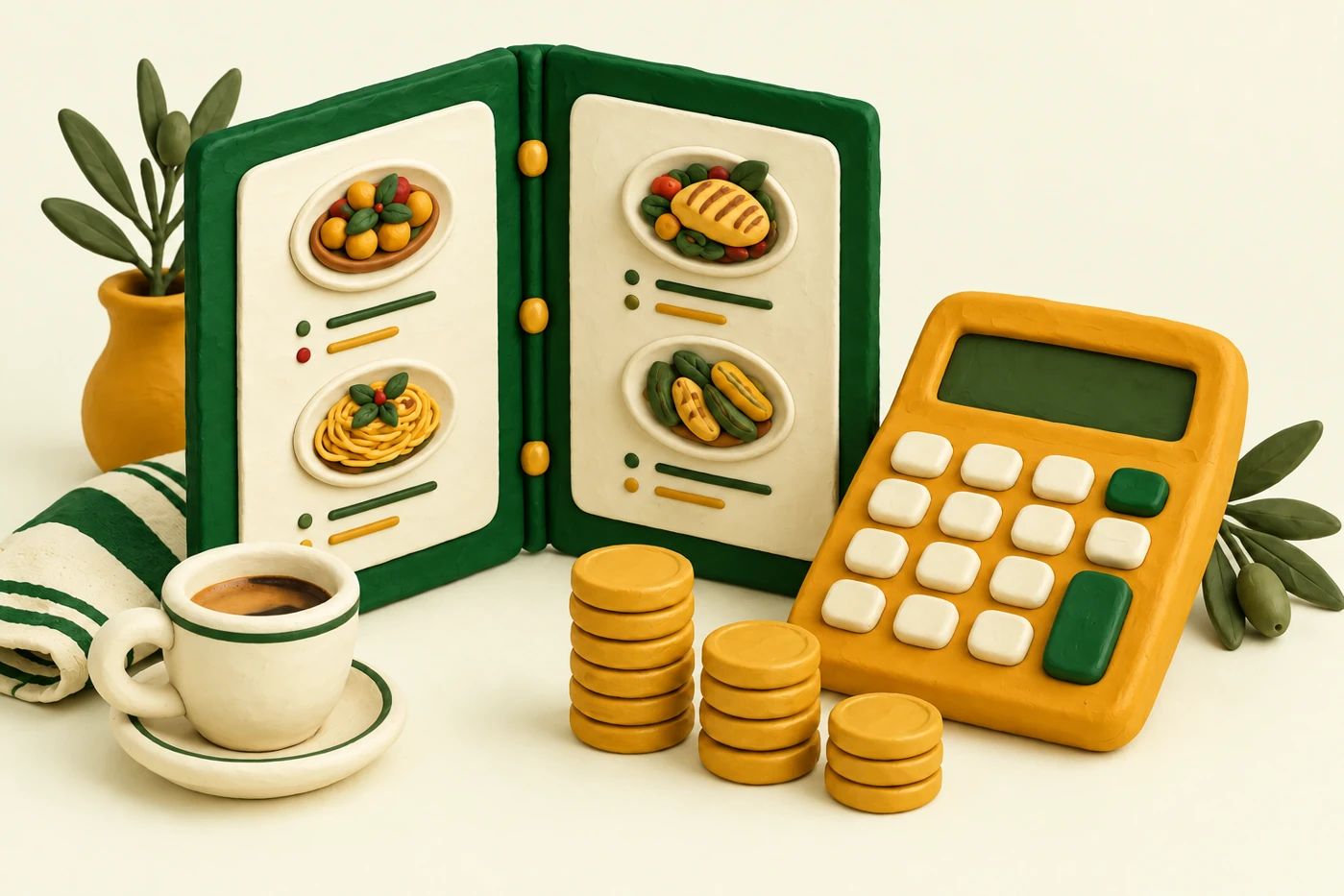
A menu you can maintain without another fee
Changing a dish’s price should not remain on your to-do list for several services. An editable QR menu lets you change published information from a dashboard while keeping the access already placed on your tables. The benefit is making the change when your restaurant needs it.
TAVLO offers a digital menu with no fees for the venue, no card and no commitment. You can organise products, review their information and maintain the menu from your phone. A free service does not remove the need to check your data: kitchen and front-of-house staff still know what the venue actually serves.
Less reprinting when content changes
With a digital menu you can correct prices, add specials or change a description without printing a complete new menu for every update. The QR links to the menu: while its address stays the same, changing products does not require changing the code.
In TAVLO you keep the QR when editing your menu. Physical holders still need an initial print and may need replacing as they wear out. Separating content from its holder means replacements depend on its condition rather than every kitchen update.
Prepare information once and organise updates
Gather the categories, names, descriptions, portion options and prices from your current menu. Check which products come as a tapa, half portion or full portion and which supplements should appear beside the price. A clear structure makes future reviews easier.
TAVLO lets you edit products and price variants. For example, if only the half-portion price changes, you can review that option within the product. Then check the public menu to confirm customers can find the correct portion and price.
Make use of help getting started
If the initial upload is holding you back, you can ask the TAVLO team to prepare the menu from your current version. Send a legible photo or current PDF and explain any unclear portion options. An organised source makes review easier.
Before sharing the QR, confirm dishes, prices, categories and allergens with your venue’s team. Setup assistance prepares the information; your review ensures it matches what you actually serve. Do not publish an old version simply because it is easiest to find.
Organise the work your venue still needs to do
Although TAVLO’s menu has no fees, allow time to review recipes, prepare your own images and test the QR. You also need to organise table holders and the internet access your team uses to manage the menu.
Make a short task list and assign responsibilities. This lets you start with a complete, legible menu without waiting for photos of every dish. Add images later when they explain a presentation or help identify a product.
- Gather the current menu and confirm its prices.
- Decide who reviews recipes and who updates products.
- Prepare a test QR holder before printing the rest.
- Check the result from a customer’s phone.
Make updates a brief routine
Before opening, review specials, prices and availability. During service, tell the person responsible about sold-out dishes. After a recipe or supplier change, confirm the information before updating the menu.
TAVLO brings these changes together in an editable menu customers consult through the same QR. Your aim is specific: a menu reflecting today’s service and a team that knows how to maintain it. Time or material savings depend on how often things change and how you work.
Frequently asked questions
Does TAVLO’s menu have a monthly fee?
No. TAVLO offers the venue a menu with no fees, no card and no commitment.
Must I reprint the QR when a price changes?
Not for that change. In TAVLO you edit the product and the same QR keeps opening the menu. Replace a holder when it wears out or you need another one.
Can I request help preparing my menu?
Yes. You can request free preparation from your current menu. Review the result before publishing it.