QR codes for your restaurant
The same QR, an up-to-date menu: update dishes and prices with TAVLO
Update dishes, prices and new items without replacing table QR codes. With TAVLO, your free menu stays in step with every service.
Reviewed on 12 Oct 2026
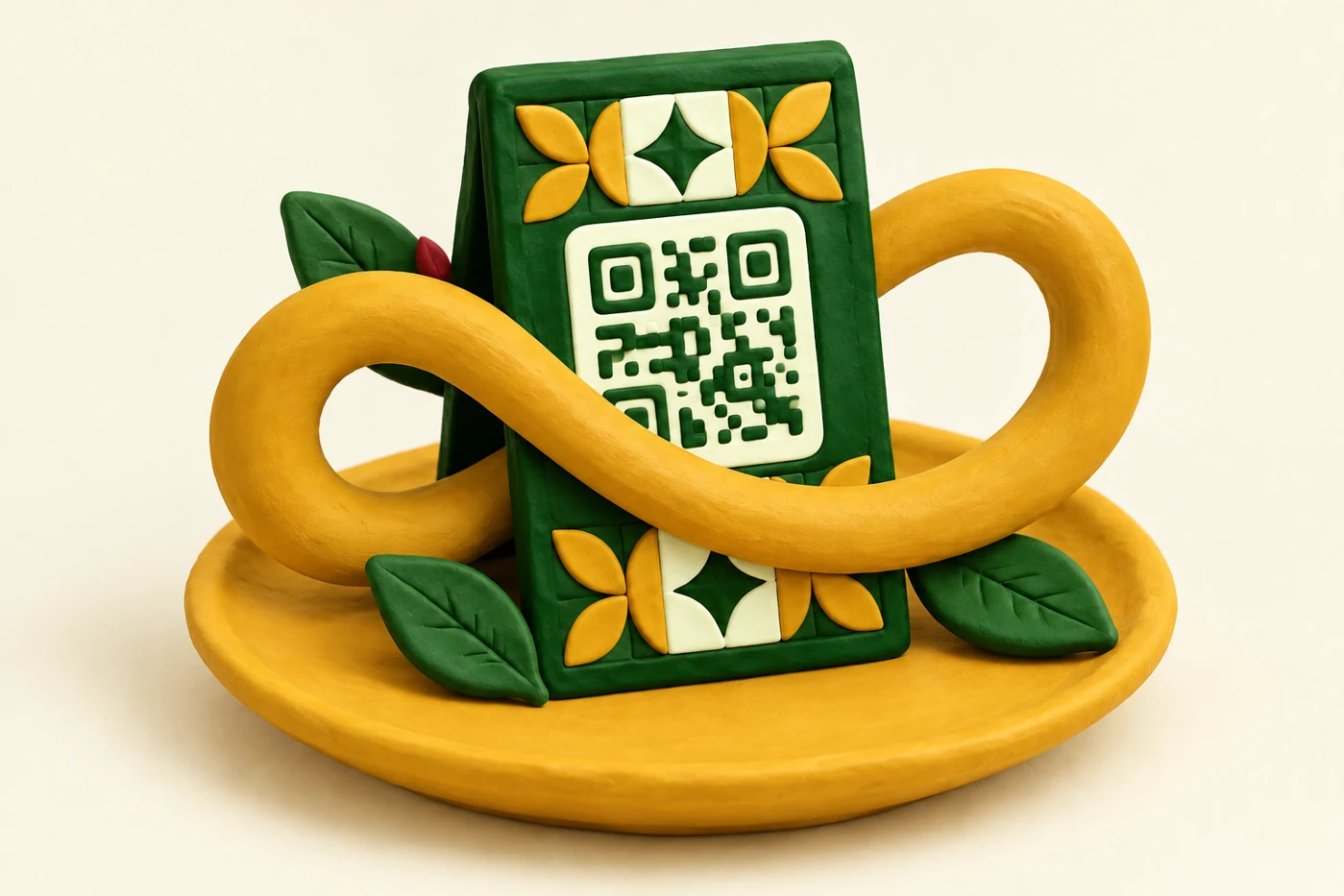
One QR code for a menu that evolves with you
Your restaurant menu changes with the seasons, kitchen specials and guests' tastes. Your QR code can stay the same. Update the menu in TAVLO and guests see changes by scanning the code already on the table.
The menu is free for venues, without monthly fees or QR renewal for every change. Spend your time preparing service and keeping a clear menu ready to browse on a phone.
Update dishes and prices without reprinting
Imagine adding a seasonal salad, changing a portion price or introducing a dessert. Edit the product in TAVLO and the same QR code shows the updated menu. Your stands can stay on the tables.
You can also adjust availability during service. When a dish returns, update its status so guests see what the kitchen can prepare.
- Add seasonal specials.
- Update prices and portion sizes for each dish.
- Keep availability current.
- Publish allergens reviewed by your team.
Place the QR code where guests find it
A visible stand on a table or bar makes the first step easy. Add a short phrase: “Scan to view our menu”. Guests open it with their phone camera without installing an app.
Choose clear printing and an easy-to-scan size. Test one from the guest's seated position before placing every stand. Laminate it or choose an easy-clean holder for a neat finish.
Why content can change while the code stays the same
A QR containing a web address opens that address. Dishes and prices are on the menu page, not inside the printed QR image. You can therefore change the menu without changing the holder, provided you keep the address it links to.
In TAVLO, routine menu updates keep that access. After editing, reopen the menu to verify the result. If a customer already has it open, ask them to refresh it to see the current version. Keeping the same link is not a promise of uninterrupted availability.
Replace the stand, keep the QR code
TAVLO uses the same QR code to browse the menu during service. Changing dishes or prices does not mean replacing or paying to renew the code.
You can download the code from My QR Code and prepare the holders your venue needs. Test the print before placing it on tables: a clean, legible and undamaged holder makes scanning easier.
A simple routine for an up-to-date menu
Before opening, spend a few minutes checking specials, prices and available dishes. When a recipe changes, confirm allergens with the kitchen and update the menu.
TAVLO lets you maintain this information from your phone and offers free help preparing the menu from your current one. Start with familiar dishes and add new items at your pace: the same QR code follows every update.
Check the holder before each service
Check that other objects, folds or reflections do not obscure the QR. Test the camera from a comfortable distance and confirm that the venue’s name appears when opening the link. A visible holder avoids having to explain where the menu is.
Also agree who updates availability and reviews specials. The same QR is useful when its content stays correct. TAVLO makes changes easy from the dashboard; your team’s routine keeps the menu aligned with service.
Frequently asked questions
What does keeping the same QR mean?
It means routine updates to your TAVLO menu do not require another code. The QR keeps linking to your venue’s menu.
Can I update the menu without printing another code?
Yes. Edit products in TAVLO and guests see the updated menu through the same QR code.
When should I reprint QR stands?
When you want a fresh look, replace a worn sticker or add codes to more tables. You can reuse the same TAVLO code.